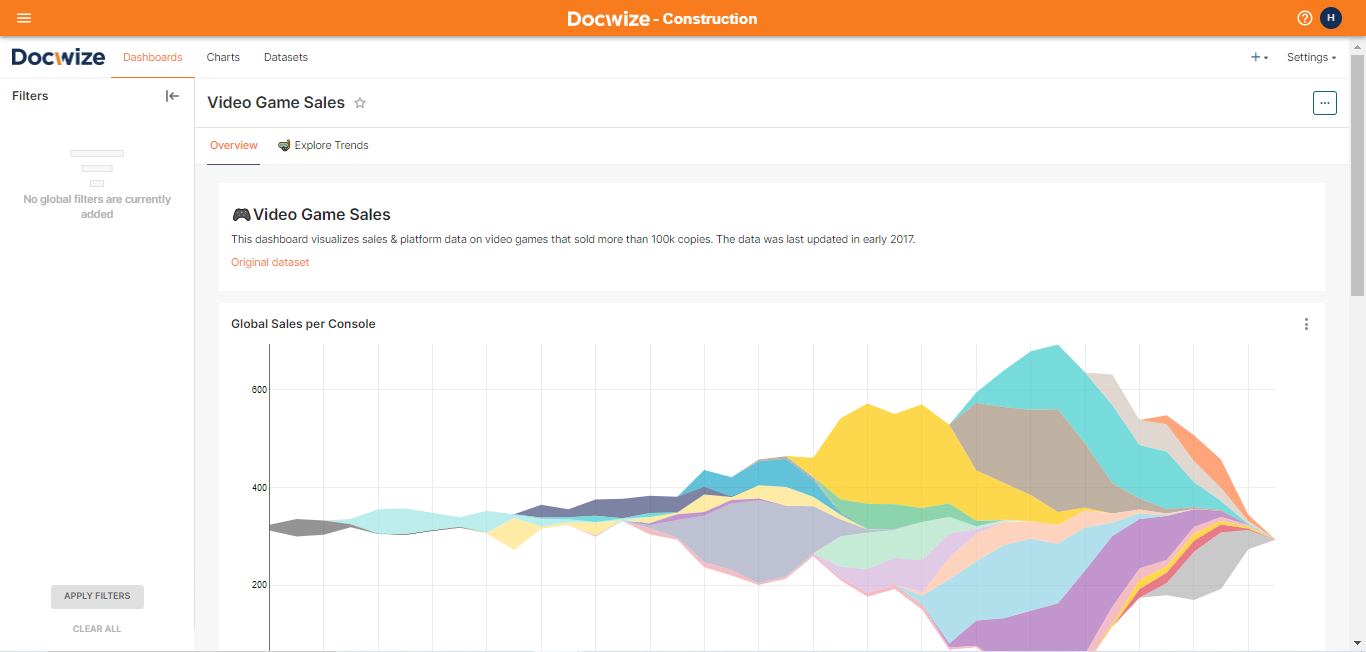
Dashboards
Dashboards are a collection of charts, markdown, and filter sets.
What you can do in Dashboards
- View charts, markdown, and filter sets together
- Drill down on data points
- Use preset dashboard filters
- Preview underlying documents from dashboard results
Drill downs
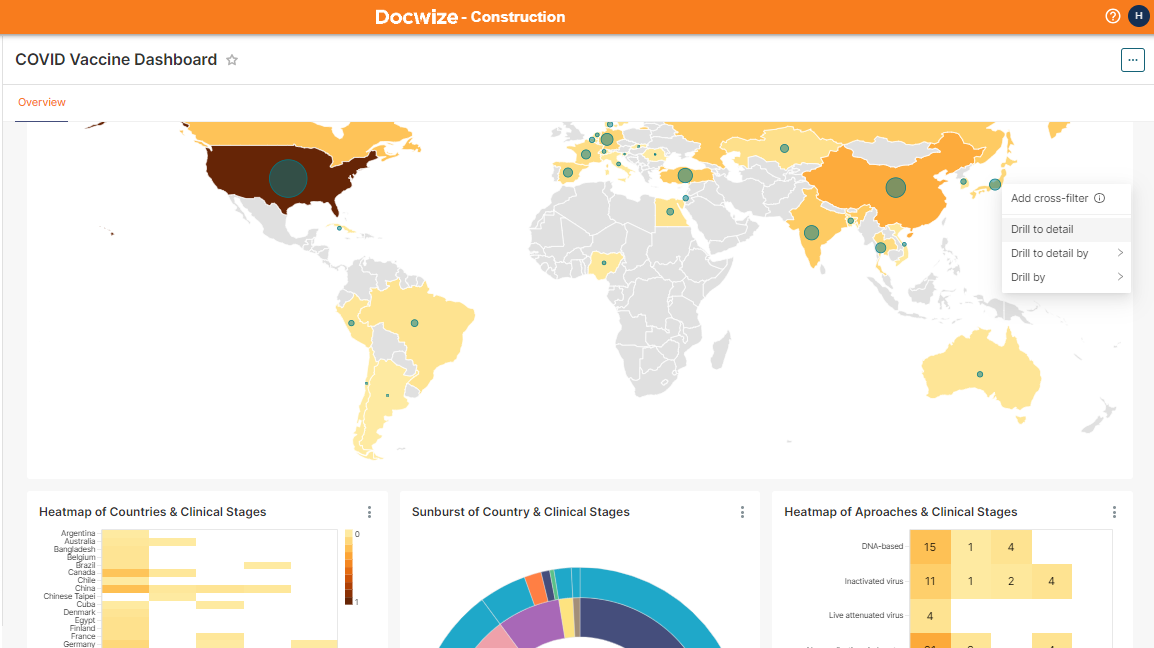
Within the dashboards, drill down on data points to intuitively find data just by right clicking on an entity. This applies a dashboard wide filter to the data.
Preset dashboard filters
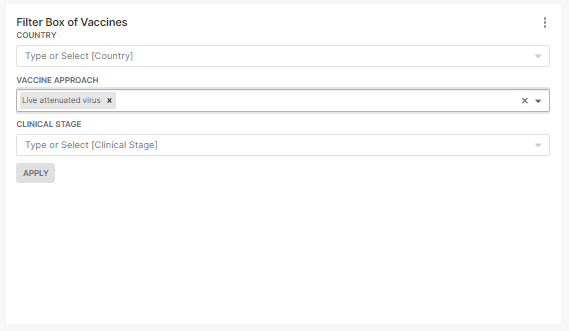
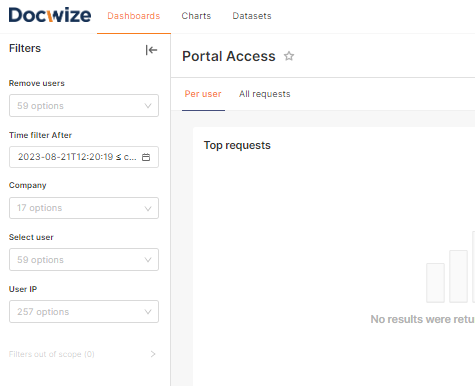
Create filters attached to the dashboard so that other users can use the most relevant filters with only a single click.
Using the dashboard filters
The filter is then locked to the left sidebar for users to quickly filter the data.
Preview documents directly from dashboards
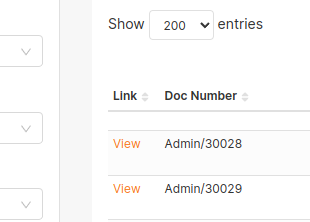
By drilling down on chart data, you can get to the underlying documents. The document can then be opened in the previewer, where users can make notes, send documents to workflow, or annotate the document.
The view button below launches the document preview app inside dashboards.