17-06-2026
Release Notes
New Features
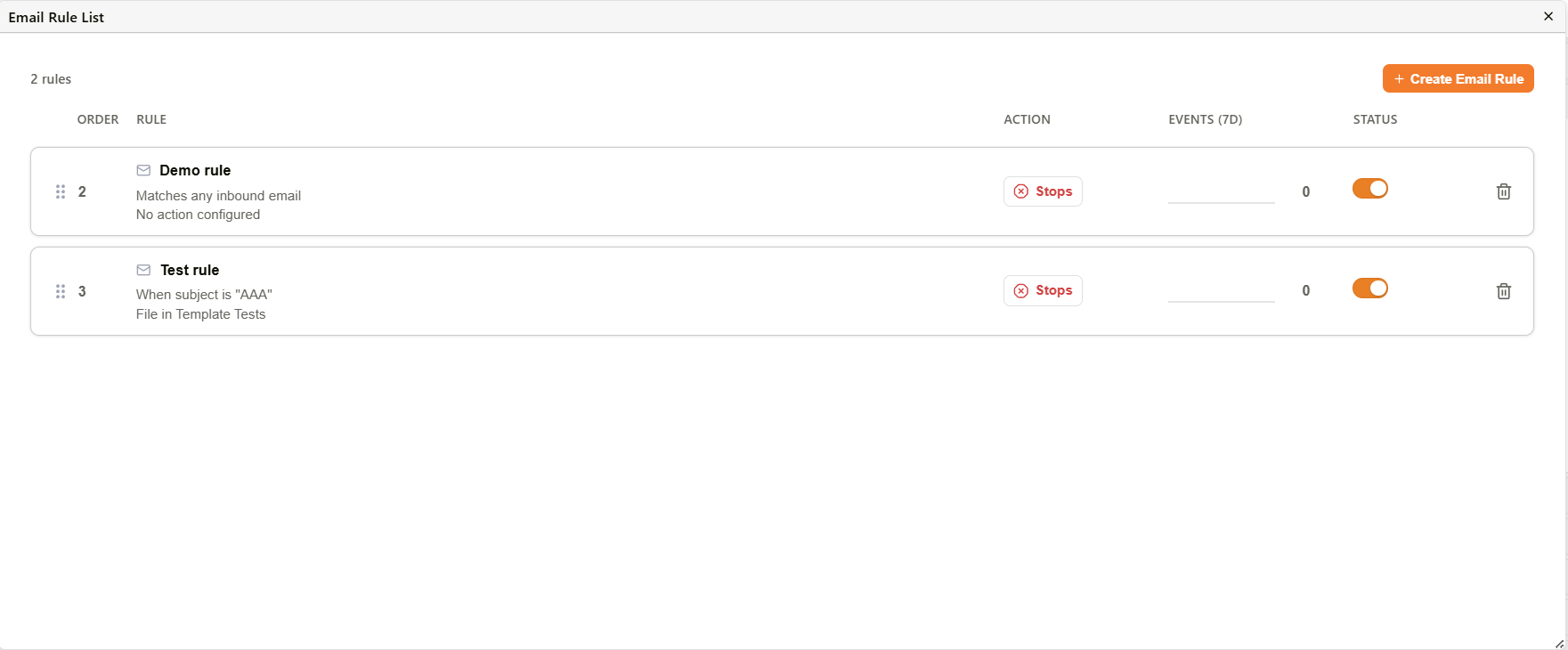
- A management screen for inbound email rules allows users to create, delete, reorder, enable, and disable rules that route incoming mail to folders, workflows, users, or groups.
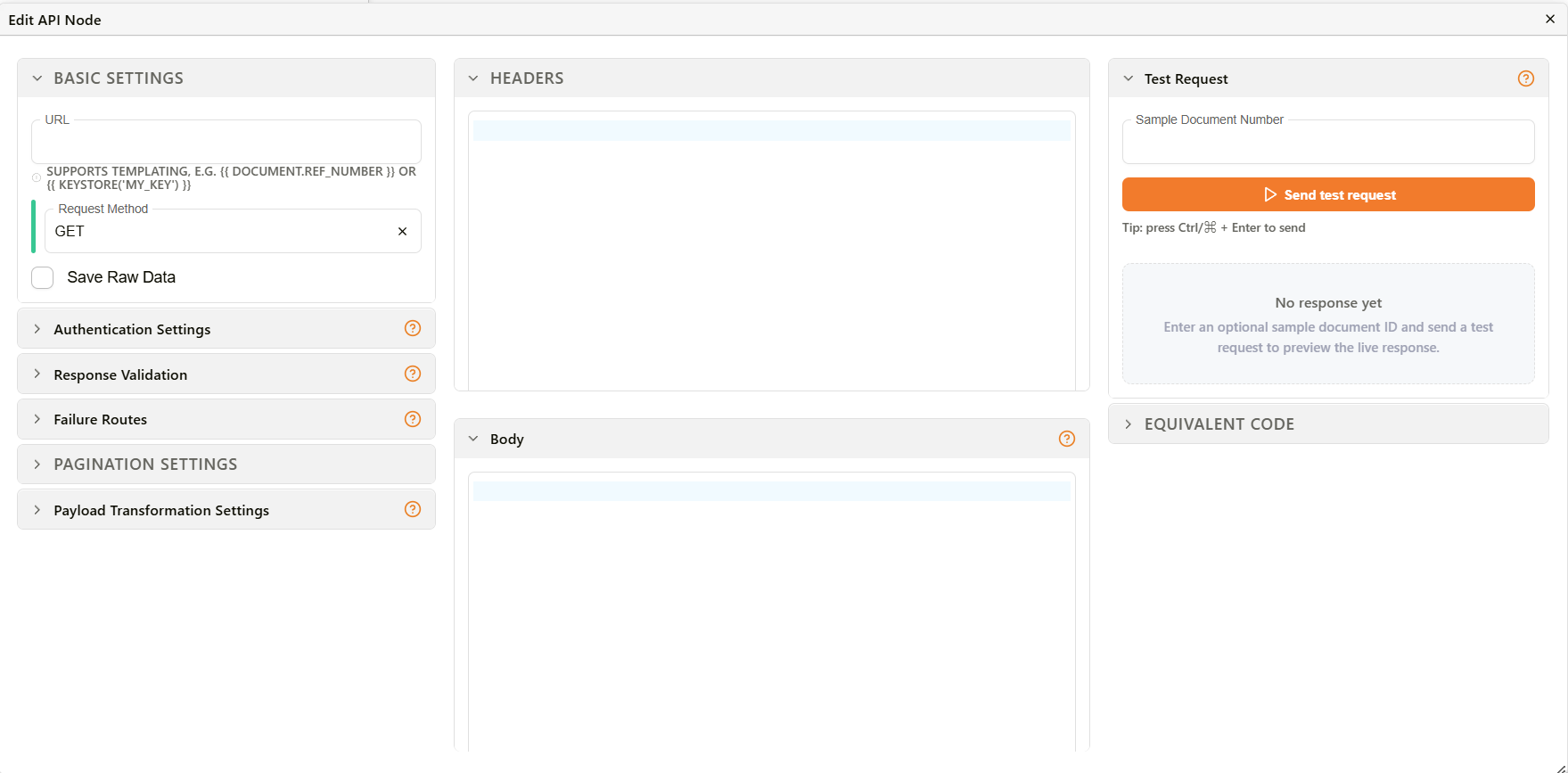
- API request workflow nodes support configurable failure routes, letting users branch to different paths on timeout, HTTP error status, empty response, or regex-matched response body. Each route creates a separate output handle on the node, and a help topic in the API node dialog explains how failure routes and their ordering work.
- Workflow task cards display a "Needs Attention" status with a warning icon and retry option for tasks that fail validation, distinct from system failures.
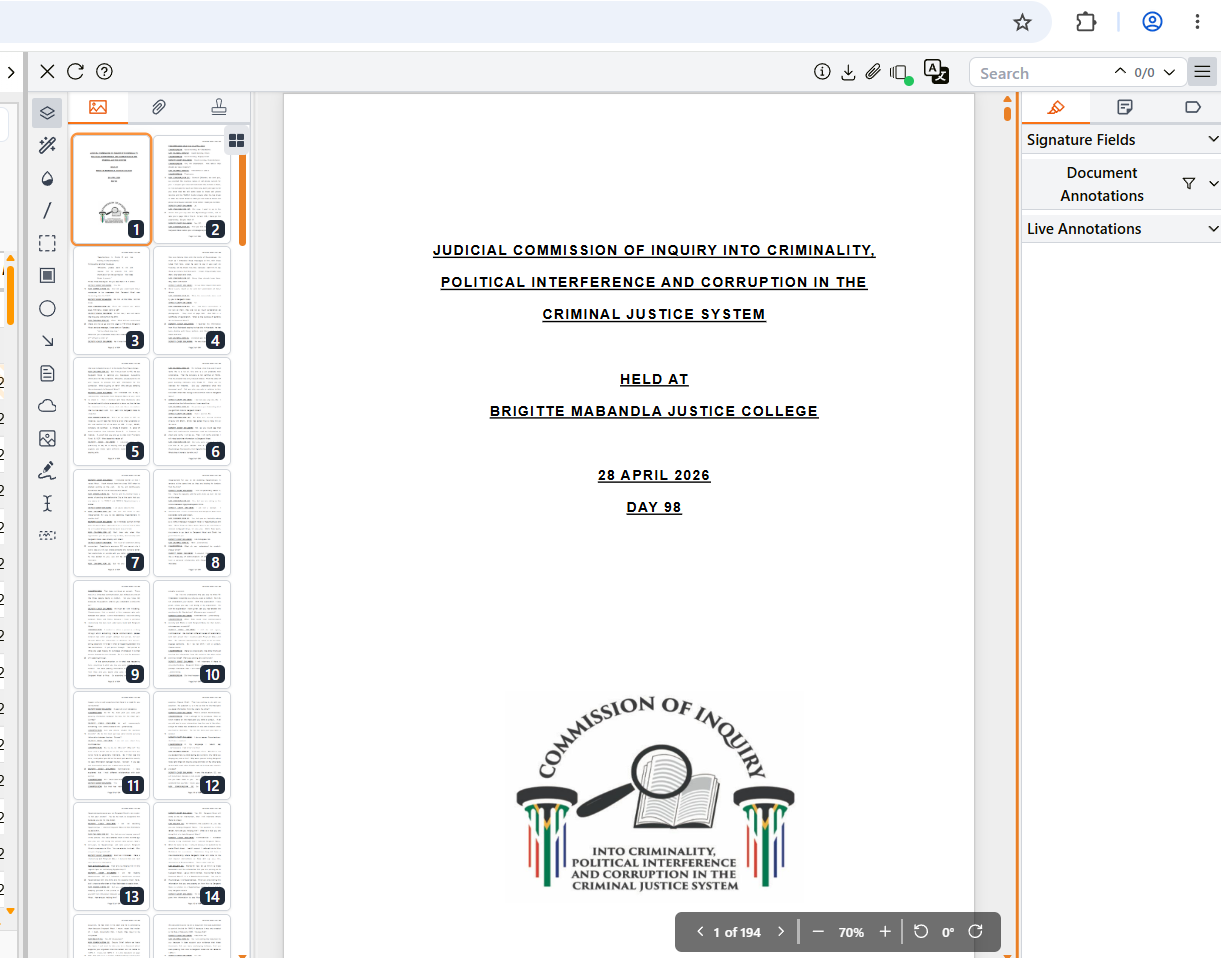
- PDF viewer panels (sidebar, document area, and right panel) can be resized by dragging the dividers between them, with chosen sizes persisting across sessions.
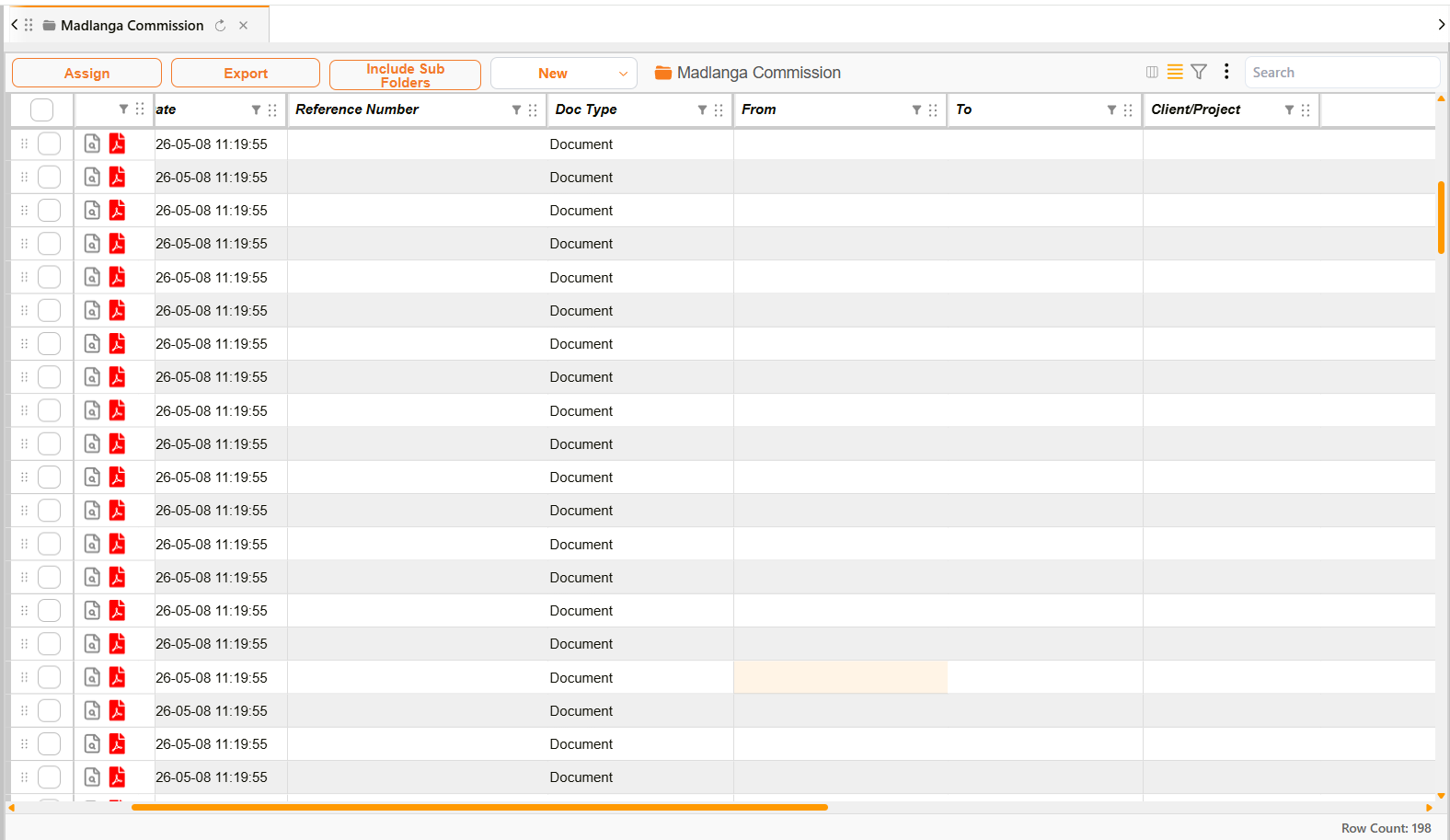
- A download button in the custom field grid header opens a menu with options to add a row, export to CSV, or preview a chart.
- Agent chat displays a live indicator showing which delegated agent is working and what task it is performing.
Improvements
- Global visual refresh: font changed to Manrope, refined color scheme, and orange-accented scrollbars applied throughout the interface.
- Authentication pages restyled, including login, registration, forgot password, organization selection, TOTP enrollment, and Azure verification; the back-to-sign-in button removed from the forgot password page.
- Document viewer: text selection highlight changed to orange, toolbar navigation/zoom/rotation icons updated, thumbnail spacing tightened, PDFs open with the configured zoom preset, and the attachments panel fills available container width.
- Rotated text and signature annotations display correctly, including CJK characters.
- Workflow connection lines render correctly when opening saved templates.
- Workflow interface restyled with rounded corners, shadow effects, updated icons, and consistent design-system components across panels, cards, context menus, action popups, and node dialogs.
- Section label editing in the workflow editor supports pressing Enter to save and Escape to cancel.
- Inbox restyled: filter dropdowns replaced with searchable autocomplete fields, context menus and cards updated, and the saved filters dropdown refreshed.
- Document card menus in the inbox use a context menu component instead of a tooltip-based menu.
- Email rule list redesigned as a sortable, drag-to-reorder table with per-rule event trend charts, enable/disable toggles, and human-readable rule descriptions.
- Template manager project filter changed from a dropdown to a searchable autocomplete field.
- Content search bar restyled with a pill-shaped layout and custom autocomplete suggestion dropdown; filter count badges display as orange circular indicators.
- Document list cards restyled with rounded corners, shadow effects, a left border accent, and updated action icons.
- Mobile interface restyled: workflow cards, inbox items, and document options menus updated; the document options menu presented as a context menu instead of a dropdown.
- Chart builder settings panels restyled across all chart types with updated form controls and layouts.
- Custom field sections, inputs, and form controls restyled; the matrix calculation info popup displays as a tooltip instead of a separate popover window.
- Datasource builder filter, group, and settings panels restyled, along with right-click context menus.
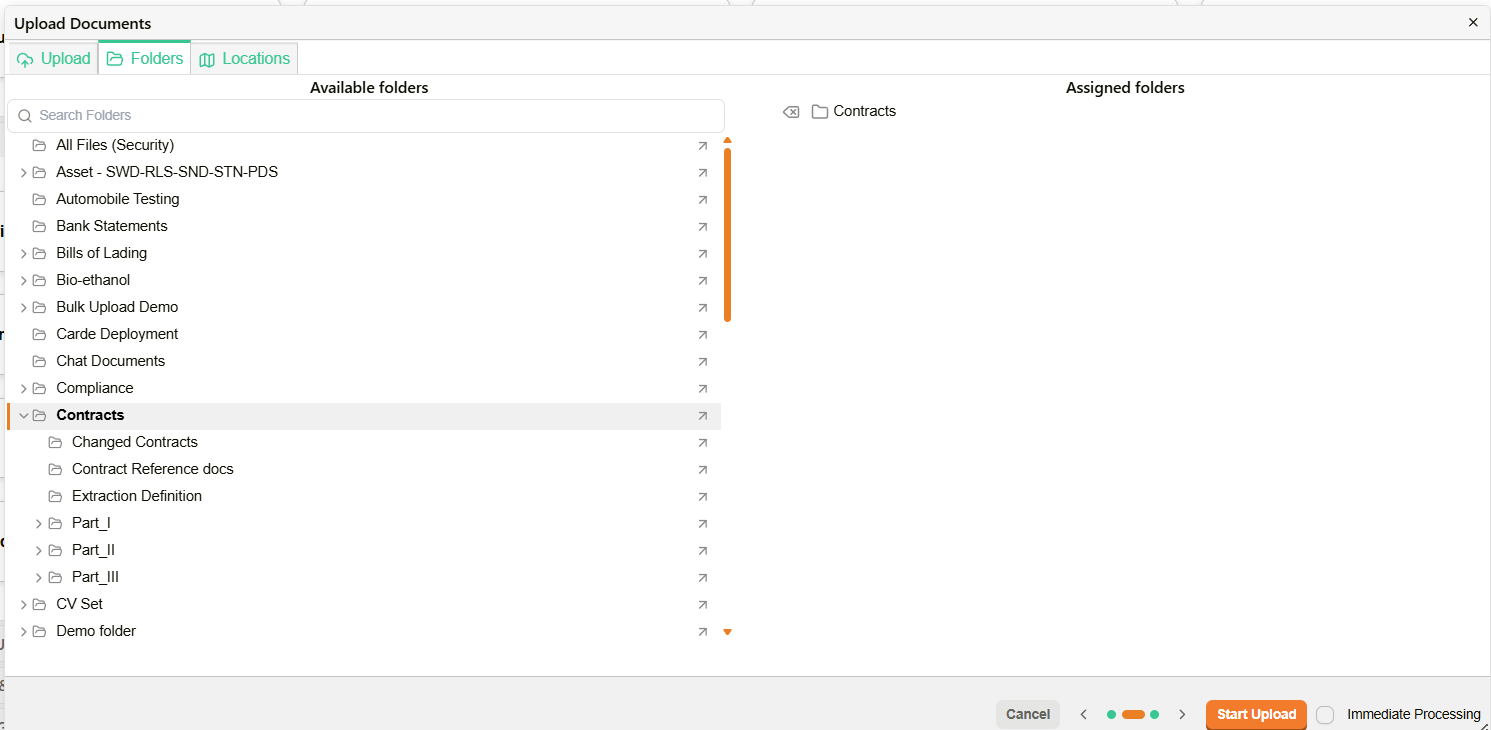
- Multiple dialogs restyled across the platform, including project creation, document upload, bulk assign, bucket share, and new document dialogs.
- Document upload dialog step indicator redesigned with circular numbered badges, checkmarks for completed steps, and connecting progress lines.
- Bucket share dialog displays shared users and groups as bordered cards with separate buttons for toggling permissions and removing access.
- Numerical range filter in the interface filter builder uses two separate sliders for minimum and maximum values instead of a single dual-thumb slider.
- Record Runner action chips replaced with pill-shaped buttons for copying reference numbers and opening workflows, dataviews, and interfaces.
- Agent chat: a jump-to-latest button appears when scrolling up during an active run, and the chat no longer auto-scrolls while reading earlier messages; status messages show human-friendly descriptions of ongoing processes.
- Oliver assistant status strip displays descriptive messages about the current task, including activity from delegated sub-agents.