27-05-2026
Release Notes
New Features
-
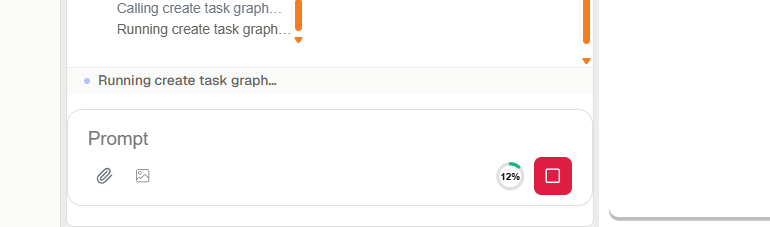
Stop button: A Stop button appears in the input area while Oliver is running. Users can cancel a response at any point, and the interface reflects the cancelled state immediately.
-
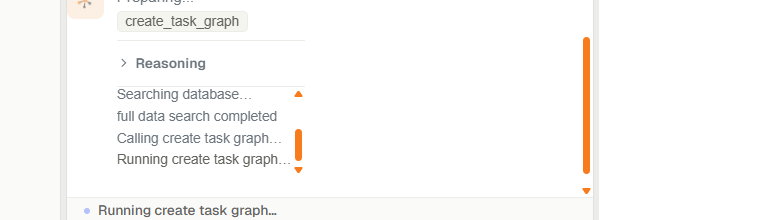
Reasoning preview: Oliver streams a live reasoning preview while it is thinking, showing the steps it is taking in real time. The preview opens automatically during processing and closes when the response is complete.
Improvements
- Tool call details: The popup showing details of individual tool calls displays input arguments alongside the output, making it easier to see exactly what Oliver requested and what it received back.