Logging In
To access Docwize, go to portal.docwize.com.
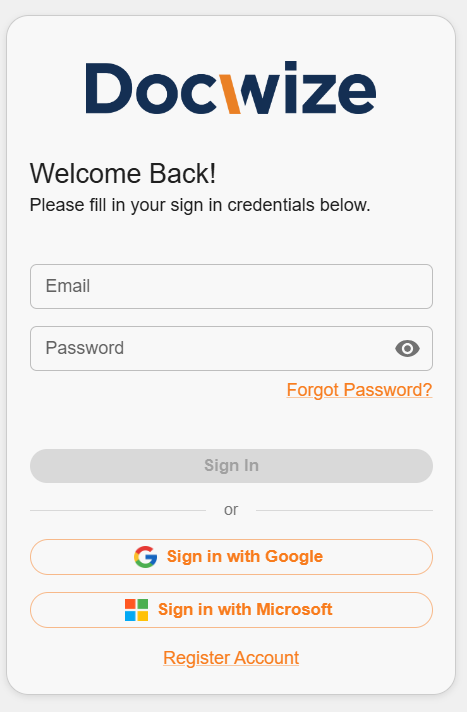
Docwize login page
You can usually sign in with either:
- your Docwize username and password
- an existing Microsoft account
- an existing Google account
Steps
| Step | Description |
|---|---|
| 1 | Open the Docwize portal login page. |
| 2 | Enter your username and password, or choose a supported single sign-on option. |
| 3 | When prompted, select the correct company or database. |
| 4 | Continue to the Homepage. |
If you have trouble signing in via Microsoft, see the related guidance in the FAQ.