Registering an Account
If you don't already have a Docwize account, you can create one from the login page.
What you can do from the registration page
- Sign up with an email address, name, and password
- Sign up with an existing Google account
- Sign up with an existing Microsoft account
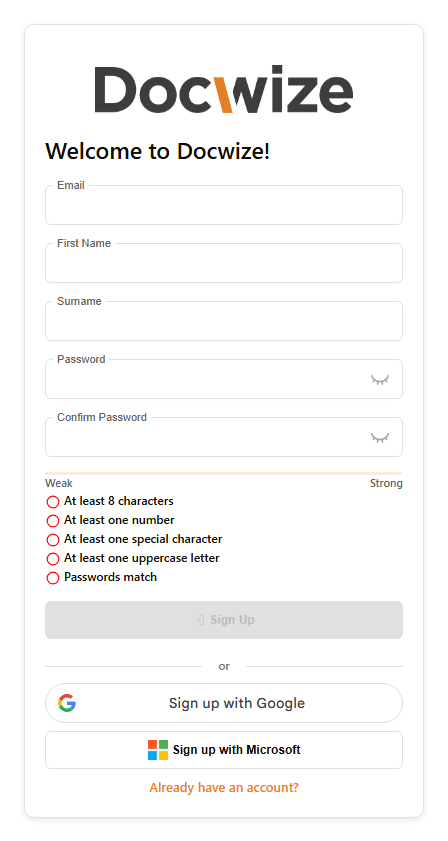
If you register with an email address and password, your password must meet all of the following before Sign Up becomes available:
- At least 8 characters
- At least one number
- At least one special character
- At least one uppercase letter
- Matches the Confirm Password field
A strength meter above the checklist fills in as more requirements are met. You'll also be asked to complete a Verify you are human check before continuing — the same check used on the login page. This doesn't appear when registering via Google or Microsoft.
Steps
| Step | Description |
|---|---|
| 1 | Open the Docwize portal login page and select Register Account. |
| 2 | Enter your email, first name, surname, and a password meeting all the listed requirements — or choose Sign up with Google or Sign up with Microsoft instead. |
| 3 | Complete the Verify you are human check. |
| 4 | Click Sign Up. |
Related pages
- Logging In — signing in once your account exists