Notifications
Notifications are available in Docwize and can be accessed from the left-hand toolbar.
The Notifications section gives users a quick way to review system-generated updates and other important alerts.
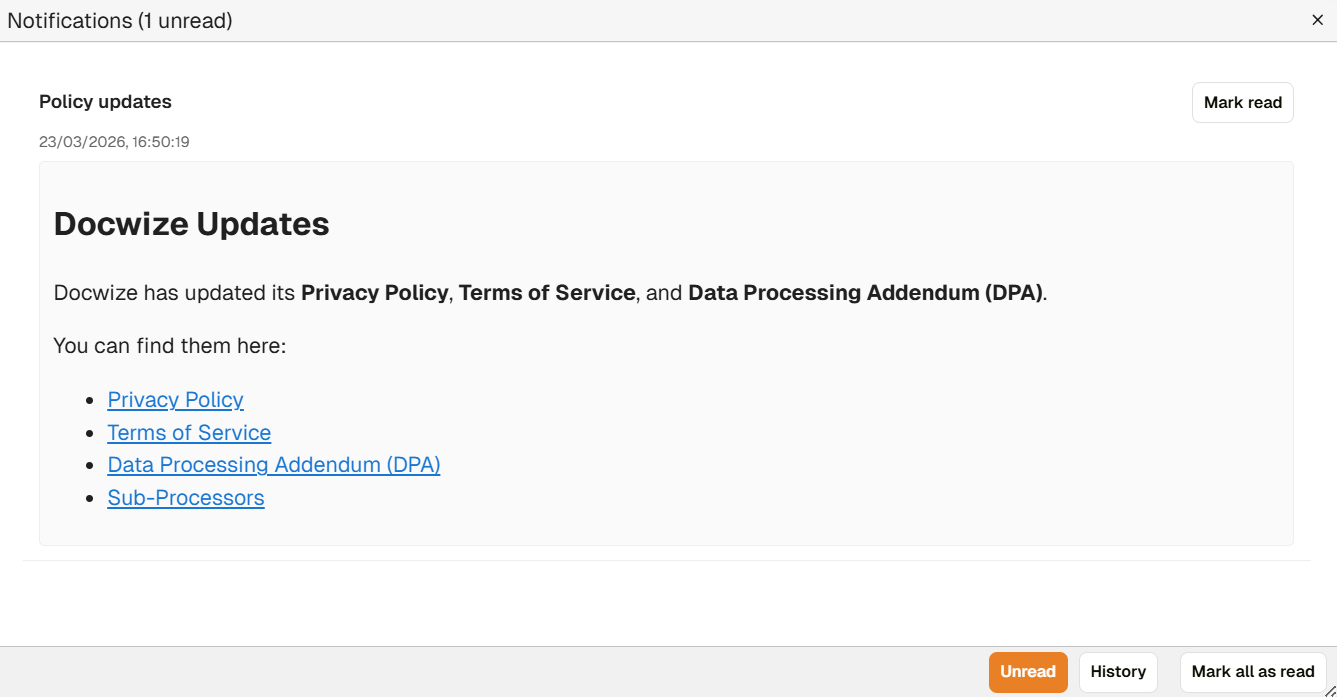 Example of Notifications
Typical notifications may include:
- system messages related to activity in the database
- alerts that a document or bundle being downloaded from Docwize is ready or in progress
- updates that prompt the user to review changes, acknowledgements, agreements, or other important items
This helps users keep track of actions that may need attention, as well as background system events that affect their work.
Users can also manage notification preferences in User Settings. The Notifications section of User Settings includes options for controlling whether notifications are received and how they are delivered.