Digital Signing
Sometimes a user is requested to complete a signing action request. The signature is burnt into the document, turning Word, Excel, and other document formats into a PDF. The digital signature prevents tampering with the contents of the document. Databases can be configured so that MFA is required for signatures. Documents can be signed or initialed in Docwize.
What you can do in Digital Signing
- create a signature or initials
- place a signature on a workflow document
- use right-click options on a placed signature
- complete a signing action request from the Inbox

Digital Signature
Creating a signature
Users can click on the signature icon in the vertical toolbar of a document to create a signature or initials. The 'Create Signature' dialog provides users with different options:
 Type an electronic signatureUpload a signatureElectronically ‘write’ a signature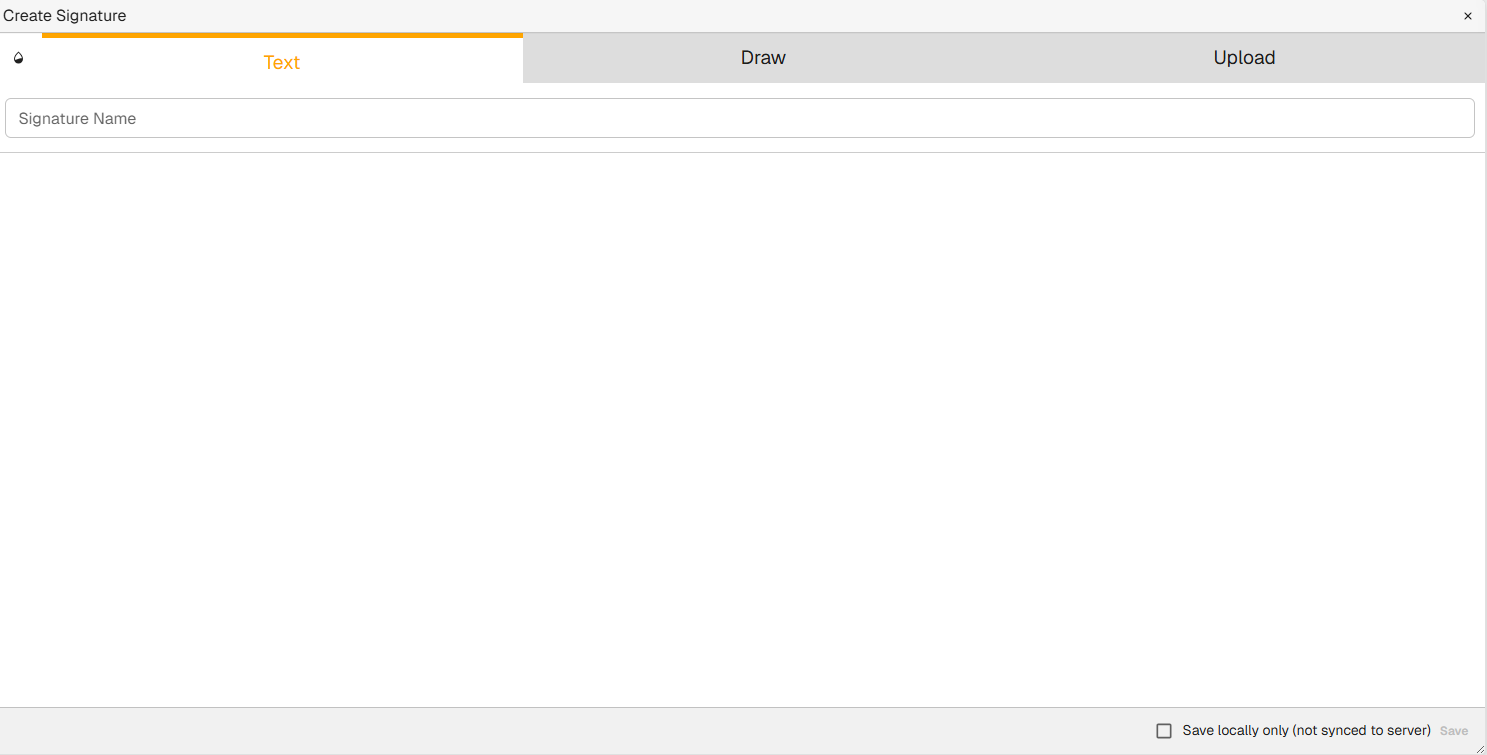
'Create Signature' Dialog
Users can select their preferred method to create a signature.
| Field | Description |
|---|---|
 | Enables users to select what color they'd like their signature to be. |
| Text | Enables users to input their signature/initials. |
| Draw | Enables users draw their signature/initials. |
| Upload | Enables users to upload a pre-existing signature from their device. |
| Save locally only (not synched to server) | Users can select whether they want their signature to be saved locally only. |
Right-click signature options
Once a signature is created, it can be selected for placement on a document. Once placed, users can 'right-click' on a signature.
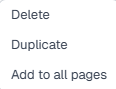
'Right-click'
| Field | Description |
|---|---|
| Delete | Deletes the selected signature |
| Duplicate | Enables users to duplicate the signature. |
| Add to All Pages | Enables users add initials/a signature to every page. This feature is more convenient in instances where each page requires initials. |
How to sign a document in a workflow
| Step | Description |
|---|---|
| 1 | Click on the "Open" button of the relevant Action Request Card. |
| 2 | Click on the Signature icon in the vertical toolbar. |
| 3 | Create/select the relevant signature. |
| 4 | Place the signature in the relevant spot on the document. |
| 5 | Click on 'Complete Action' and select the relevant response. |
| 6 | Click on the 'Submit' button. |
Here is an example of signing a document in a workflow:
Example: Signing a Document